
Download Good Keywords – SEO Tool, Webmaster Utility, Keyword Generator
Overview
Good Keywords is a mobile application designed to support novice webmasters in improving their website’s visibility and online presence. The app functions as a keyword optimization tool, enabling users to select relevant keywords and generate a metatag that can be seamlessly integrated into their web projects. This functionality is particularly useful for individuals who are new to search engine optimization (SEO) and may lack advanced technical knowledge. By simplifying the process of creating effective metatags, Good Keywords helps users enhance their webpage’s discoverability across major search engines.
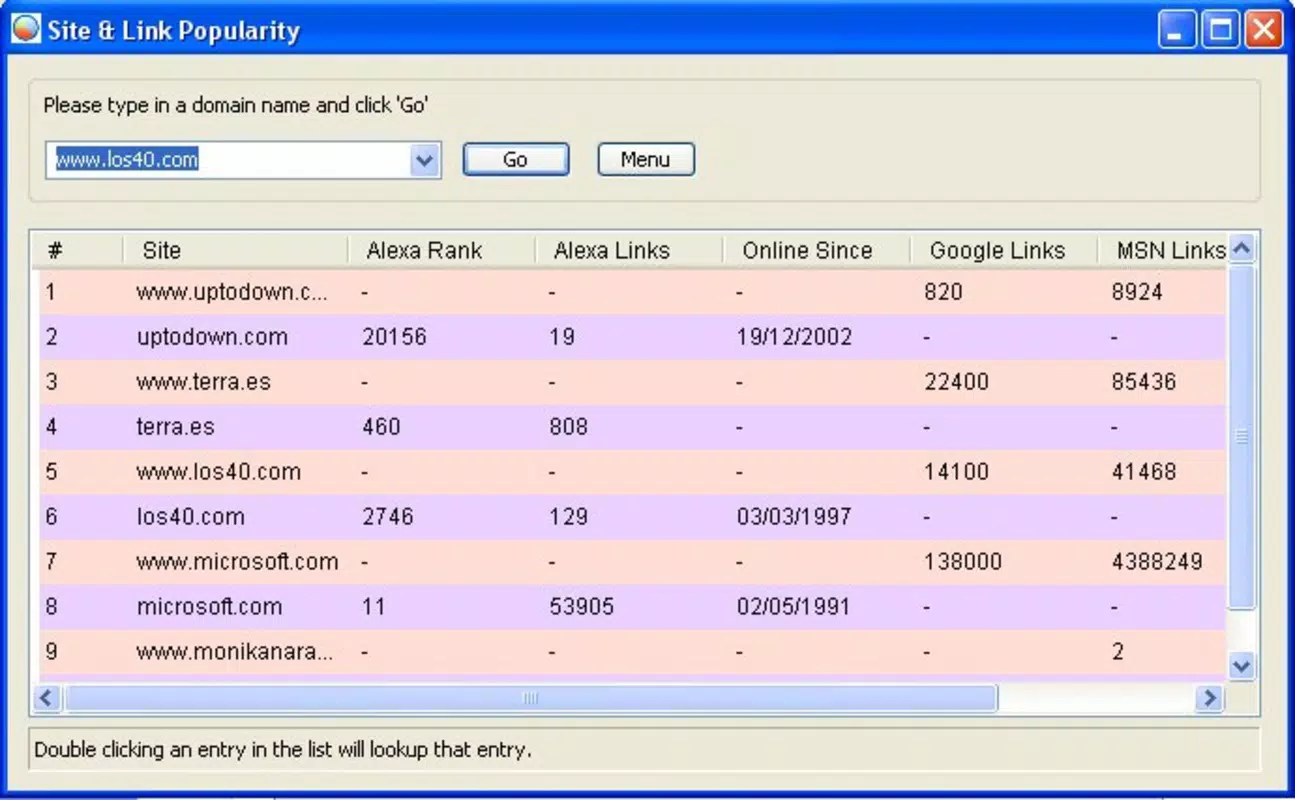
The app addresses a common challenge faced by beginner webmasters: the complexity of SEO best practices. With minimal effort, users can generate optimized metatags based on their chosen keywords, reducing the learning curve associated with technical SEO. The tool also provides insights into the popularity of any webpage across prominent search engines, including Google, Yahoo, and MSN. This feature allows users to benchmark their site’s performance against competitors and make informed decisions about their SEO strategy.
Good Keywords is especially valuable in the broader app ecosystem for users seeking accessible, no-cost tools to support their digital projects. It fills a niche for lightweight, focused utilities that prioritize ease of use over extensive features. Although the developer did not provide additional technical details, the app’s purpose remains clear: to empower non-technical users with basic SEO capabilities. Real-world use cases include personal blogs, small business websites, and student projects aiming to improve online visibility without investing in premium tools.
Key Features & Functionality
- Keyword Metatag Generation: The app allows users to input or select keywords and automatically generates a standardized metatag. This tag can be copied and pasted directly into HTML code, streamlining the SEO setup process for beginners.
- Page Popularity Insights: Users can analyze the relative popularity of any webpage across major search engines. This data helps identify trends and competitive positioning, enabling strategic adjustments to content and keywords.
- User-Friendly Interface: Designed with simplicity in mind, the interface avoids technical jargon and complex workflows. This ensures that users with minimal web development experience can navigate and use the app effectively.
- Free to Use: The app is available at no cost, removing financial barriers for individuals exploring SEO for the first time. This accessibility makes it an ideal starting point for learning foundational SEO practices.
For example, a student building a personal portfolio site can use Good Keywords to generate a metatag based on their skills and interests, then insert it into their website’s header. Similarly, a small business owner launching a local service page can assess the popularity of similar sites and adjust their keyword strategy accordingly. These real-world applications demonstrate how the app supports practical, immediate improvements in web visibility.
Interface, UX & Performance
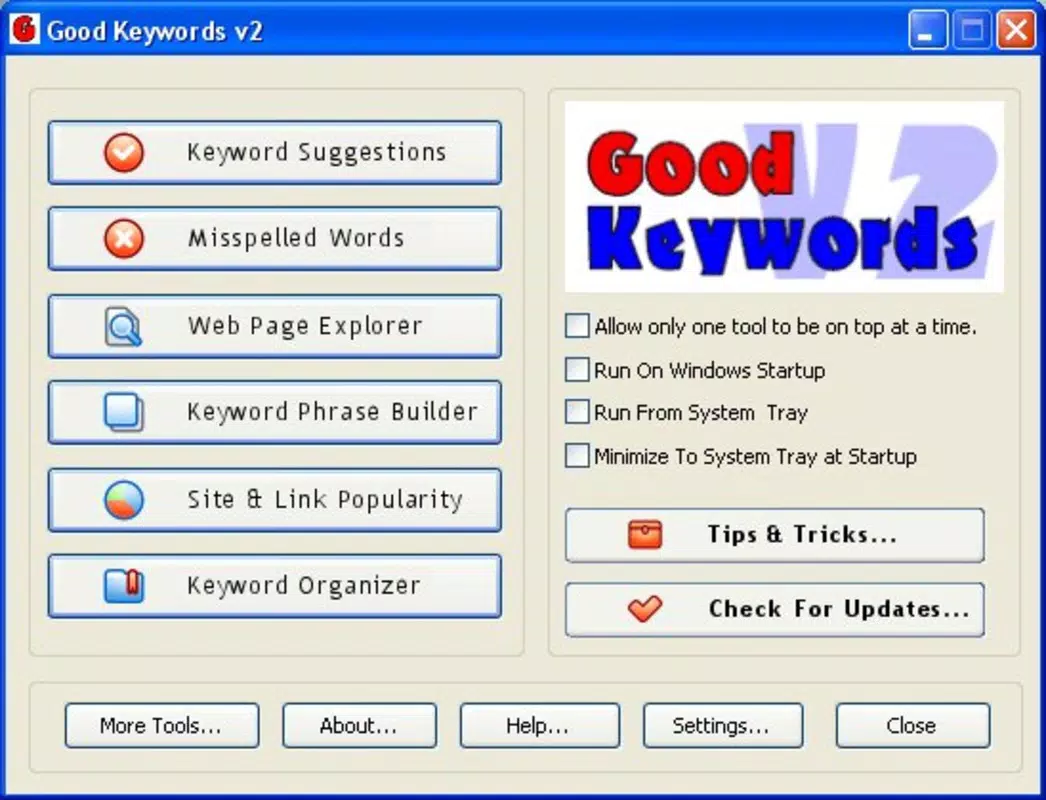
The user interface of Good Keywords appears to be designed with clarity and simplicity as primary goals. The layout likely emphasizes essential functions—keyword input, metatag preview, and popularity data—presented in a logical sequence. Visual style is expected to be minimalistic, focusing on functionality over decorative elements, which aligns with the target audience of novice users.
Navigational flow is likely straightforward, with clear buttons and minimal steps between actions. Users can input keywords, generate the metatag, and view insights without encountering complex menus or redundant screens. This ease of use supports quick adoption, especially for those unfamiliar with digital tools.
Although the developer did not list formal performance metrics, the app’s lightweight nature suggests it operates efficiently on a range of devices. Responsiveness is expected to be consistent across different screen sizes, ensuring a stable experience on both smartphones and tablets. Stability appears to be a core focus, given the app’s utility-based design and lack of resource-heavy features.
Performance on older or lower-end devices is not specified. However, the absence of multimedia or background processes implies minimal impact on battery or memory usage. Users should experience smooth operation during typical tasks such as keyword entry and data retrieval.
Platform Compatibility & Technical Requirements
Good Keywords is available for Android and iOS platforms. The app supports the latest versions of both operating systems, ensuring compatibility with modern smartphones and tablets. The file size is listed as 12.5 MB, indicating a lightweight download that does not require significant storage space.
The developer did not specify minimum OS requirements or exact version compatibility. Users should ensure their device meets the general system standards for running mobile applications. Specific requirements were not listed, so compatibility may vary depending on device hardware and software updates.
Pros and Cons
Pros
- Free to download and use, making it accessible to beginners and hobbyists.
- Simple interface designed for non-technical users with minimal learning curve.
- Generates SEO metatags quickly and efficiently from user-selected keywords.
- Provides insights into webpage popularity across major search engines.
- Lightweight app with a small file size, suitable for devices with limited storage.
Cons
- Specific technical requirements were not disclosed by the developer.
- No information was provided about update frequency or future development plans.
- App functionality is limited to metatag generation and basic analytics, lacking advanced SEO tools.
- Compatibility with older OS versions was not confirmed.
- Performance on low-end devices was not tested or reported.
FAQ
Is Good Keywords safe to download and use?
The app is available through official app stores and is free of known malware. As a lightweight utility, it does not request sensitive permissions, reducing security risks.
Can I use Good Keywords on both Android and iOS devices?
Yes, the app is compatible with both Android and iOS platforms. However, specific version requirements were not listed by the developer.
Does Good Keywords require an internet connection?
Yes, an active internet connection is needed to access search engine data and generate metatags. The app relies on external sources for popularity insights.
How often is the app updated?
The developer did not disclose update frequency. Users should check the app store for the latest version and release notes.
Is Good Keywords suitable for advanced SEO professionals?
While the app serves as a useful starting point for beginners, its features are limited to basic keyword metatag generation and popularity checks. Advanced SEO practitioners may find it insufficient for comprehensive optimization tasks.
Final Thoughts
Good Keywords stands out as a focused, accessible tool for novice webmasters seeking to improve their website’s SEO without technical complexity. Its ability to generate metatags and provide basic popularity insights makes it a practical choice for students, bloggers, and small business owners. The app’s lightweight design and free access enhance its value, especially for users exploring SEO for the first time.
While it lacks advanced features and detailed technical information, its simplicity is its greatest strength. For those who need a no-frills solution to get started with keyword optimization, Good Keywords delivers on its core promise. The app fits well within the ecosystem of mobile productivity tools, offering a secure and straightforward way to enhance online visibility.
Download Good Keywords now


